

Views: 0 Author: Site Editor Publish Time: 2026-10-30 Origin: Site


Clean a sewer inspection camera after every job, dry the exposed components before packing, and store the system where moisture and heat cannot accumulate. The essential distinction is between the camera head that enters the pipe and the monitor, connectors and recording controls that stay outside it. A waterproof head does not make the entire system washable. Grease can blur the lens, grit can conceal cable damage, and trapped water can reach vulnerable connections. A consistent cleaning, inspection and storage routine helps preserve clear images and makes it easier to identify equipment that needs attention before the next inspection.
Maintenance protects both the view inside the pipe and the condition of the equipment delivering that view. Cleaning also creates an opportunity to inspect surfaces that wastewater residue would otherwise hide.
A thin film across the viewing window can scatter light from nearby LEDs and obscure fine pipe details. Remove contamination before assuming a hazy picture means a failed sensor. Clean the light ring as well as the central window; residue around the illumination can affect the image even when the lens looks clear.
Debris around joints and connectors can interfere with correct assembly. Persistent moisture can contribute to corrosion at vulnerable metal contacts. Cleaning does not restore a damaged seal, however. A cracked housing, displaced sealing ring or wet electrical connector requires investigation before further use.
Routine care cannot guarantee a particular service life, but it reduces avoidable contamination and handling damage. It also makes faults easier to recognize: a clean cable exposes cuts, and a clean connector makes bent pins or residue more visible.
Prepare separate tools for contaminated components and clean electronics. Check the equipment manual before choosing cleaners, disassembling parts or applying water.
Soft cloths and non-abrasive brushes: use a dedicated soft brush for the housing and cable, plus clean lens-safe material for the viewing window.
Clean water and an approved cleaning solution: choose only products compatible with the lens window, plastics, cable jacket and seals. Do not assume a household degreaser is suitable.
A compatible surface disinfectant: verify both the disinfectant label and the equipment instructions. Cleaning and disinfection are separate tasks.
Protective gloves and eye protection: select protection appropriate to wastewater exposure and the cleaning product. Keep contaminated gloves away from the monitor and storage media.
Strong acids, alkalis, solvents and abrasive powders can damage components or leave unsuitable residues. Do not mix cleaning chemicals. If compatibility information is missing, use the least aggressive approved cleaning method and ask the equipment supplier before adding a chemical treatment.
Work from the contaminated camera head and cable toward the reel, then use fresh materials for the controls. Keep wash water away from electrical connections throughout the process.
Stop recording and allow the file to finish saving. Switch off the system, disconnect the charger and external power, and remove a user-removable battery only as instructed. Do not open a sealed battery compartment. Position the equipment on a stable surface where dirty runoff can be managed.
Lift away loose mud, fibers and grease with a soft brush or damp cloth. If the manual permits rinsing the assembled head, use gentle clean water within the stated conditions. Do not direct a pressure washer at the lens, joints or cable entry. Avoid scraping the housing with metal tools or pulling trapped material against a joint.
Remove loose grit before wiping the viewing window. Use clean, lens-safe material and an approved solution, applying light pressure. Change to a fresh section of cloth as it becomes dirty. A cloth already used on the cable can carry abrasive particles onto the lens. Inspect the window under good light for remaining film or physical damage.
Wipe the accessible cable with a damp cloth as you guide it back onto the reel. Keep the cloth loose enough for controlled movement; do not pull the cable through a tight grip. Remove contamination before it dries into deposits. Look for cuts, flattened sections, kinks or exposed internal material, and stop if damage is found.
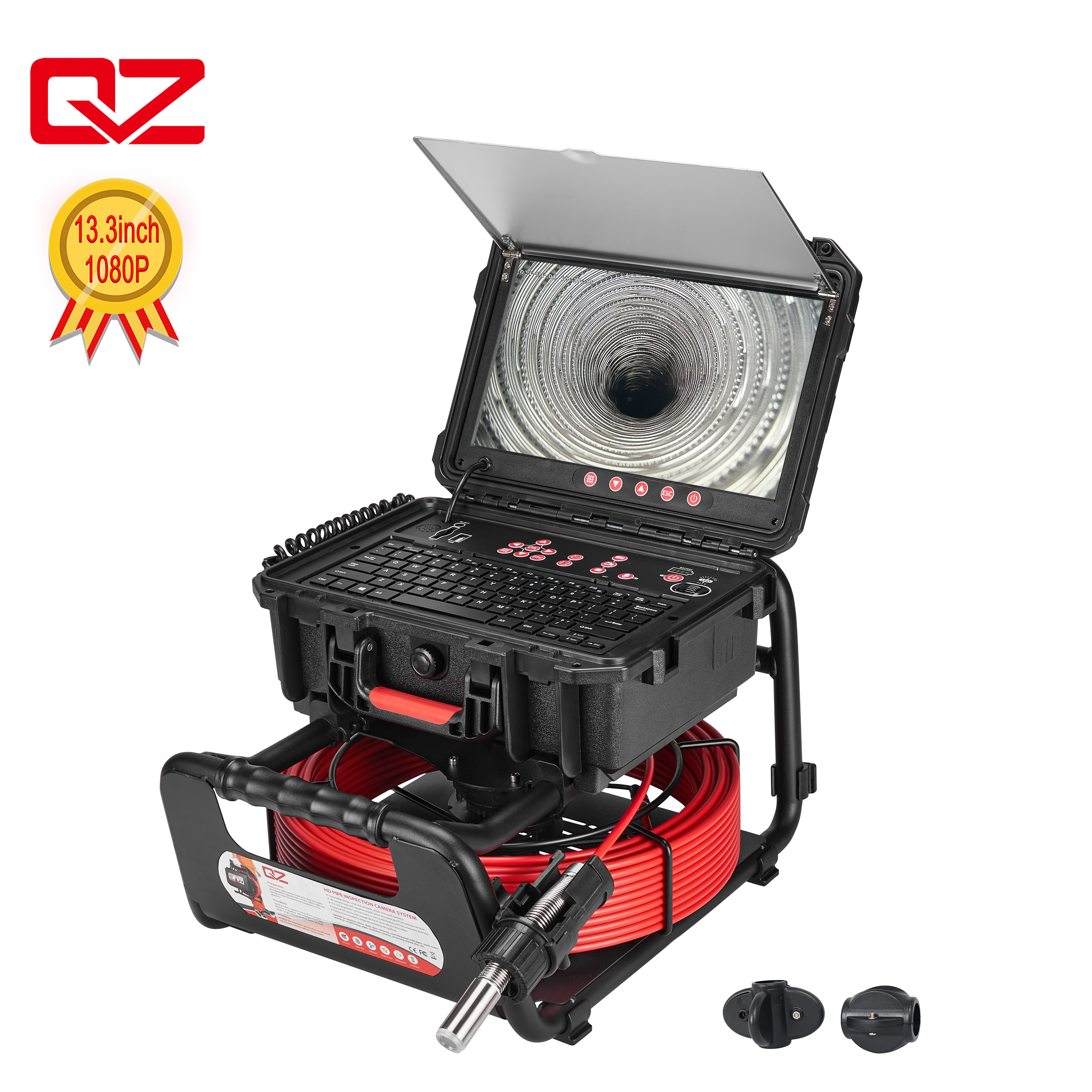
Brush away loose debris and wipe accessible frame surfaces. Pay attention to the camera holder, handle and places where dirty cable touches the frame. Do not flood the reel hub or assume that an open frame contains no electrical parts. Follow the reel-specific procedure for drainage and access; avoid taking apart a spring-loaded reel.
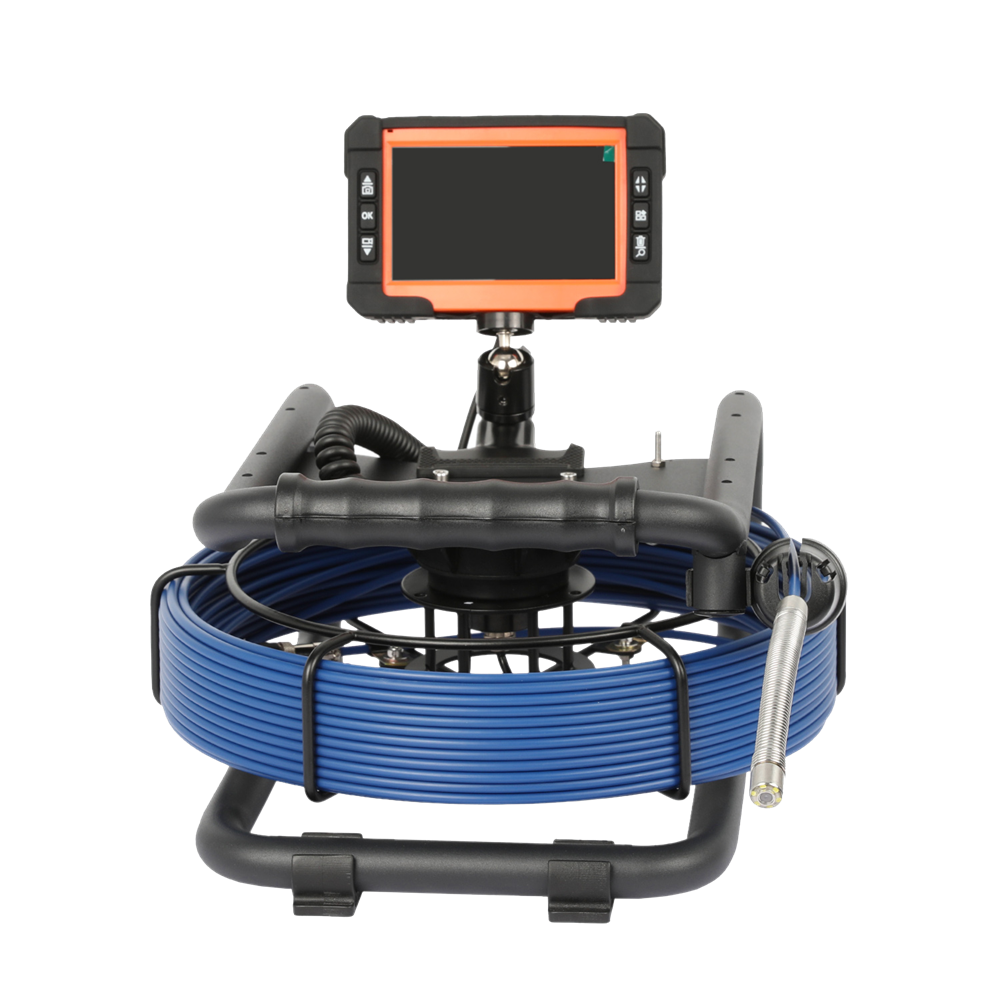
Use a separate, lightly dampened cloth on the enclosure and a display-approved method on the screen. Apply cleaner to the cloth rather than spraying the unit. Keep liquid out of buttons, card slots, charging sockets and USB ports. Close protective covers as instructed, but do not treat them as permission to hose down the control box.
Remove visible soil first. Apply a disinfectant only to surfaces approved for that treatment, using the label dilution and required wet contact time. Follow any rinsing requirement and then dry the equipment. If the required contact time would expose an electronic surface to more liquid than its instructions allow, obtain a compatible procedure instead of soaking it.
Drying is complete when the relevant surfaces, recesses and storage materials are dry—not simply when the lens has been wiped. Do not seal damp equipment inside a carrying case.
Blot the camera head with a clean, absorbent cloth. Wipe the push cable and accessible reel surfaces, including areas underneath the stored head. Allow drainage only in the orientation specified for the equipment. Keep the cable controlled if additional cable needs to be exposed for drying.
Inspect accessible connector surfaces for droplets, discoloration and debris. Follow the manual before disconnecting a head or exposing a seal; some assemblies are not intended for field removal. Never apply power to a connection suspected of containing water. Do not use improvised sealant or lubricant to conceal damage.
For example, the QY6688 inspection camera system has a detachable camera head. That feature does not remove the need to follow its connection and sealing instructions or establish the same procedure for other models.
Leave equipment in a clean, ventilated location away from excessive sunlight. Dry the case lining and any reusable cloths separately. Do not use an oven, heat gun or hot radiator to speed the process. There is no universal drying time: humidity, temperature and trapped water affect how long it takes. Suspected internal water ingress requires service assessment, rather than a timed wait followed by a power test.
Use a dry, protected location within the manufacturer's storage limits. Pack the sewer inspection camera only after cleaning, inspection and drying are complete.
Place the head in its designated holder or clean protective cover without loading the lens or straining the cable entry. Rewind the push rod along its intended reel path and respect the specified minimum bend radius. Avoid tight loops, twists and improvised ties that pinch the jacket. Secure the free end so it cannot fall or unwind in transit.
Close dry port covers and secure the monitor against impacts. Store the battery at the charge level, temperature and inspection interval specified for that pack; a universal percentage or recharge schedule is inappropriate. Remove a detachable pack only where instructed. Keep exposed terminals away from conductive objects, and do not store a swollen or visibly damaged battery as normal equipment.
Keep equipment away from dust, chemical containers and temperature extremes. A hot vehicle is unsuitable for routine storage. After moving a cold system indoors, check for condensation and let it reach suitable conditions before powering it. A protective case limits handling damage but does not remove moisture already inside.
The most damaging shortcuts usually involve excessive force, inappropriate chemicals or packing too soon. Use the following boundaries when maintaining a sewer inspection camera.
Pressure washing sensitive parts: clean gently and keep jets away from connections and controls.
Using aggressive chemicals: verify material compatibility instead of relying on the camera head's water resistance.
Closing a damp case: dry both the equipment and its storage lining first.
Coiling too tightly: use the reel geometry and specified bending limits.
Ignoring seal or connector damage: remove affected equipment from use until assessed.
Leaving equipment in a hot vehicle: move it to appropriate storage after transport.
Use job-based checks for contamination and condition-based checks for wear. Record faults so the next operator can distinguish a service issue from normal maintenance.
Maintenance task | Recommended timing | Completion check |
|---|---|---|
Clean head and lens | After each job | No visible deposits or lens film |
Wipe push cable | After each job | Clean jacket; damage noted |
Dry equipment and case | Before storage | No retained surface moisture |
Inspect connectors and seals | After each job | No visible damage or contamination |
Check cable condition | Regularly and during rewinding | No cuts, kinks or exposed material |
Inspect battery condition | Regularly, following its manual | No swelling, leakage or damage |
Perform functional test | Before the next job | Live image, lighting and recording work |
A sewer inspection camera should enter storage clean, dry, inspected and mechanically secured. The key decision is which parts can tolerate water and which need controlled wiping and dry connections. Routine maintenance should also identify when equipment needs service rather than another cleaning attempt. QYTeco, the sewer camera manufacturer associated with 深圳市仟焱科技有限公司, offers camera systems with different head and control configurations. Use the instructions for the exact system when selecting cleaning products, checking seals and storing its battery. Before the next job, verify the image and a saved test recording so maintenance ends with a usable inspection system.
Clean it after each job and remove lens contamination whenever it affects the view. Inspect and dry the system before storage, even if the inspection was brief.
Only wash components and assemblies approved for that method. A waterproof head does not establish that the monitor, reel hub, exposed connectors or battery can be rinsed.
Yes, where both the equipment instructions and disinfectant label allow it. Clean first, observe dilution and contact time, and follow rinsing and drying requirements.
Keep electrical connections dry, inspect seals, allow approved components to dry and avoid closing a damp case. Stop using equipment if internal water ingress is suspected.
Secure the dry head and cable in their designated positions, protect the controls and keep the system in a dry location within its specified storage conditions.
No single interval applies. Follow battery and equipment storage instructions, schedule the specified checks, and inspect and function-test the system before returning it to work.


